HTML report
The terminal report lists what to fix. The HTML report shows the whole run: the score of every file, every mutant in its code, the changes Mootant left out on purpose and what each test reaches. It is one file that opens offline, so it also works as a build artifact.
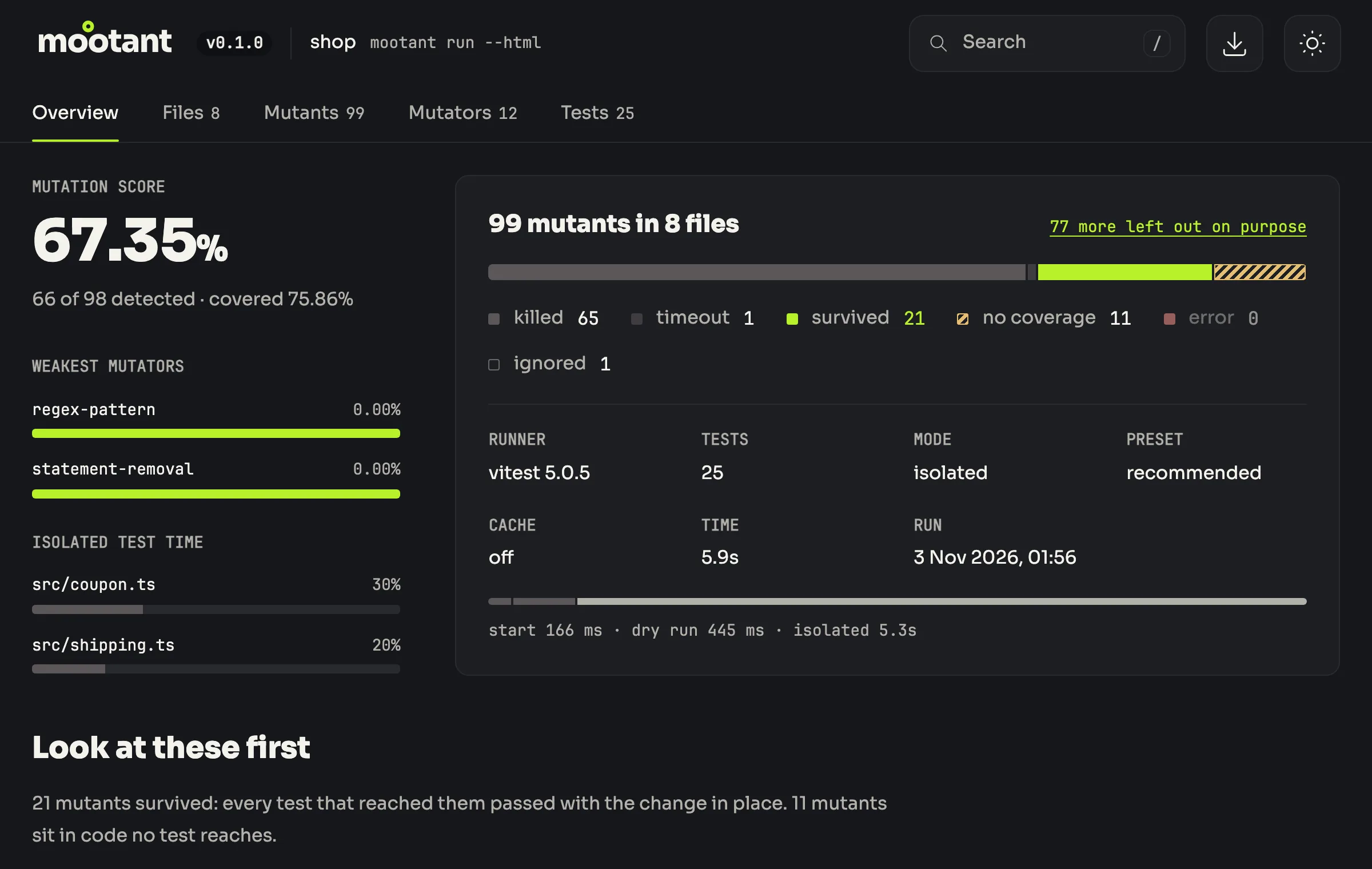
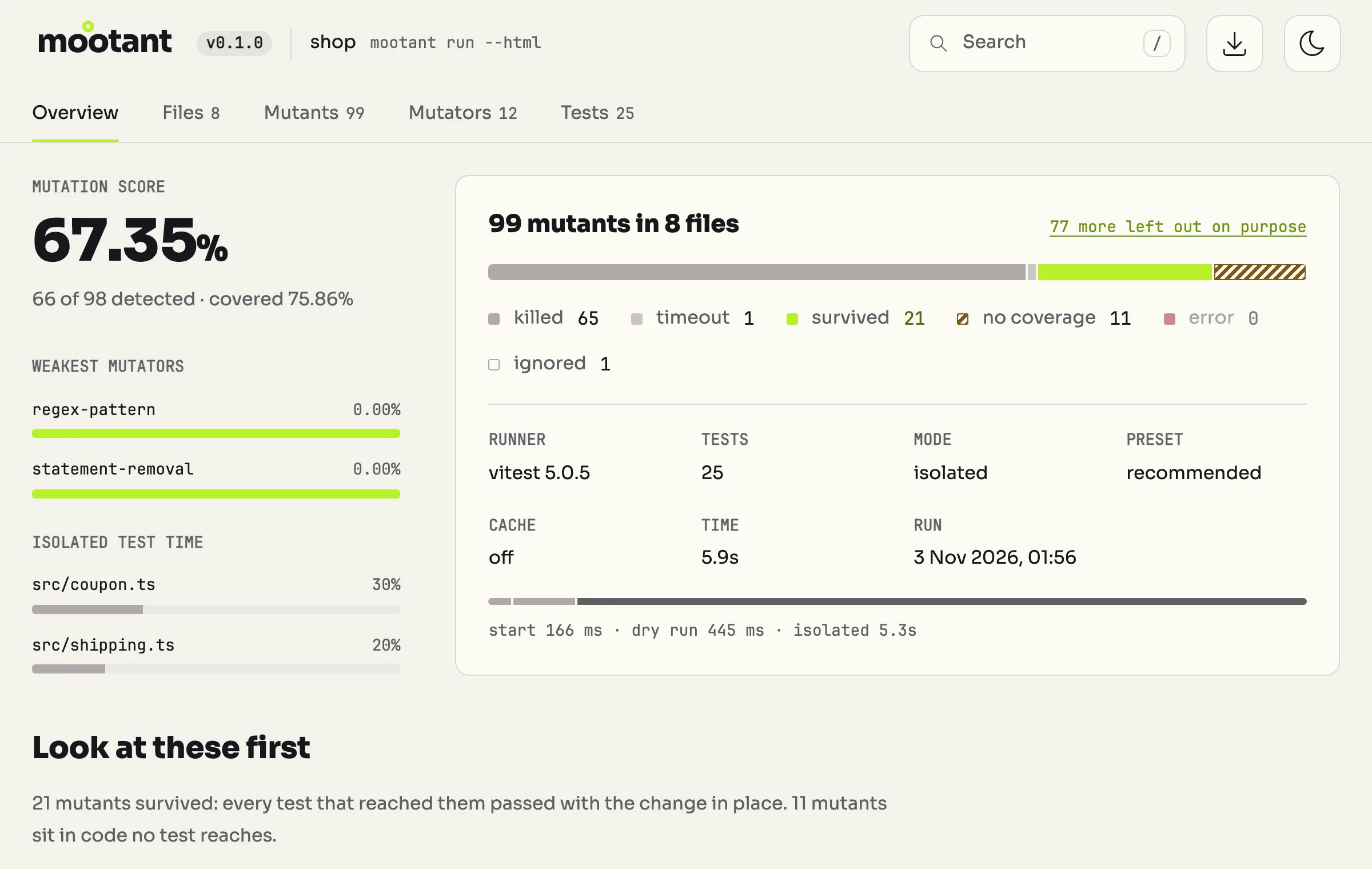 View the demo report
Add --html to a run:
npx mootant run src --htmlThe report goes to .mootant/report.html in the root of the project, and the
run prints its path after the terminal report. Add .mootant to .gitignore.
To write the report on every run, or to another path, set html in the run
settings of the configuration:
export default defineConfig({
  run: {
    html: 'reports/mutation.html',
  },
})
--no-html skips it for one run. A re-check of single mutants with --mutant
writes no report unless it has --html, so the report of the whole run stays.
Each card opens that page in the report of a sample shop.
- Overview
The score, the weakest mutators and the mutants to look at first.
- Files
The code of a file with its mutants in place. A mutant opens a panel with the change, the test that killed it or the test file to extend.
- Mutants
Every mutant, filtered by status or by an id, a mutator, a file or a piece of code.
- Mutators
The score of each mutator. One that keeps surviving points to a kind of change the tests do not check.
- Tests
What each test reaches, the survivors it runs without noticing them and the slowest tests.
Turn on Skipped in a file to see why some code has no mutant. Each skipped change comes with its category, the rule that skipped it and the reason.
The download button in the header saves the run as a
JSON report: the report that
mootant run --json --verbose --all prints, plus the skipped changes. Scripts
and agents can read it without opening the HTML.
- /, Ctrl K or Cmd K: search mutants, files and tests
- j and k: next and previous mutant to fix, from the open mutant or from the start of the open file
- Esc: close the mutant or the skipped change
Every page and mutant has its own address, such as report.html#/mutant/q31p,
to share or bookmark.
The report holds the source code of every mutated file and the names of the tests. Share it only where that code may go.